
Connect without replacing
Bring legacy HL7 systems and modern APIs into the same workflow. Reuse mapping profiles instead of rebuilding each connection.
Explore mapping & routing →Connect your clinical systems with ClinicalSpan. Route, transform, and monitor healthcare data in one place, from legacy HL7 interfaces to modern FHIR APIs.
Built around the standards
your systems already speak.
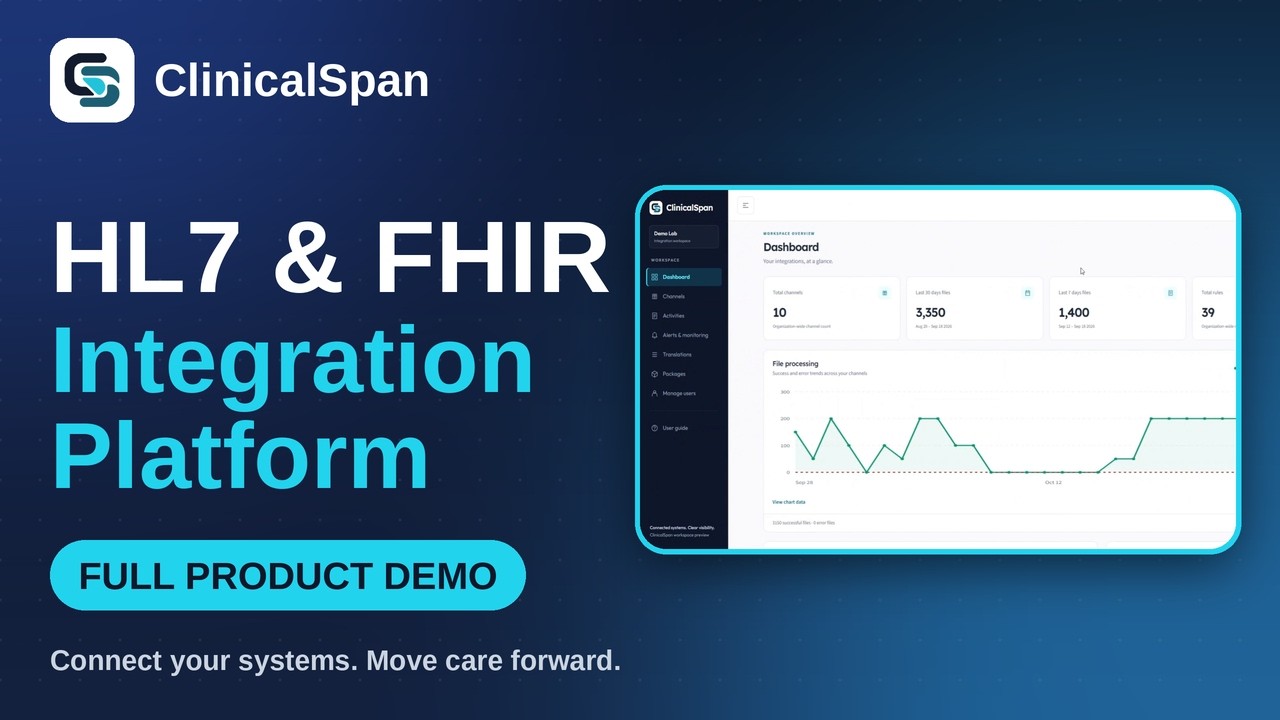
Watch how healthcare IT teams build MLLP channels, map HL7 to FHIR R4, execute custom JavaScript rules with AI assistance, and monitor transactions with instant ACK/NACK forensics.
Inbound and outbound pipelines over MLLP, SFTP, REST, and DB with automated scheduler intervals and retry limits.
Write bespoke transformations with JavaScript syntax, sandbox guardrails, and an intelligent rule assistant.
Inspect raw payloads, segment hierarchies, ACK/NACK responses, and step-by-step audit logs in seconds.
Set message latency thresholds, configure email alert rules, invite team members, and download runtime packages.
Less integration friction. More control.
For hospital IT teams, labs, and health technology companies connecting clinical systems across formats, vendors, and locations.
Bring legacy HL7 systems and modern APIs into the same workflow. Reuse mapping profiles instead of rebuilding each connection.
Explore mapping & routing →Trace message events, investigate delivery errors, and resend from the archive with the context your team needs to resolve issues.
See monitoring capabilities →Choose your deployment model and configure retention, PHI scrubbing, and access controls around your data governance needs.
Explore security controls →The ClinicalSpan platform
The tools to build, operate, and troubleshoot healthcare integrations, together in one engine.
Create named integration pipelines with multiple destinations. Clone channels and pause or resume them without losing configuration.
Visual configuration · Fan-out routing · Status visibilityHandle HL7 v2.1 through v2.8, custom Z-segments, repetitions, and sub-components with field-level validation and ACK/NACK generation.
Schema validation · Custom segments · Error reportingMap HL7 fields and versions, convert between HL7 and JSON, and produce FHIR R4 resource output using reusable profiles.
Field mapping · Conditional rules · FHIR R4 outputNormalize codes, apply lookup tables, and chain transformations. Add validation, deduplication, and PHI scrubbing before delivery.
Code translation · Pre/post processing · WebhooksInspect throughput and channel errors. Search encrypted message archives and resend individual messages or failed batches.
Alerts · Configurable retention · Message recoveryWork with REST APIs, JSON channel and rule import/export, API keys, and event webhooks to connect ClinicalSpan to your tooling.
OpenAPI 3.0 · JSON import/export · API key managementReal integration challenges
Start with the workflow you need to solve. Build a repeatable path between your systems.
Route admission, discharge, and transfer events from the EHR to care coordination, billing, and downstream systems.
Receive ADT A01, A02, A03, or A08 messages, normalize identifiers and facility codes, then fan out to the required destinations with message-event tracking.
Distribute lab results to EHRs and provider portals while adapting message versions and destination formats.
Receive results from the laboratory system, normalize codes and HL7 versions, and route by test code. Use HL7 for clinical destinations and JSON or FHIR output for API consumers.
Connect applications to existing clinical infrastructure with bidirectional HL7 and JSON transformation.
Receive JSON from an application and map it to HL7 for MLLP delivery, or transform incoming HL7 into FHIR R4 resources. Define profiles around the destination's requirements.
Your infrastructure. Your choice.
Choose the operating model that fits your team's infrastructure, data residency, and governance requirements.
01 / Cloud SaaS
Use ClinicalSpan as a hosted service so your team can focus on integration workflows.
02 / On-premises
Deploy in your datacenter or private cloud to keep processing within your chosen infrastructure.
03 / Hybrid
Combine a SaaS control plane with on-premises processing for your integration workloads.
Request a tailored quote. Share your interfaces, expected message volume, deployment preference, and support needs so we can discuss the right scope.
Security & data governance
Manage access, minimize retained PHI, and trace message events with security controls built into the integration workflow.
Enterprise BAA available on request.
Discuss your security requirements →AES-256 encryption for archived messages, with keys managed separately from archive data.
TLS 1.2 / 1.3 for data in transit across inbound, outbound, and API traffic.
Configurable retention windows and scrubbing rules to limit the data you retain and route.
Role-based access and logs that capture configuration changes and message events: who, what, and when.
Explore before you commit
Free developer tools
Explore HL7 Toolbox while you evaluate your wider integration needs.
Open free HL7 tools ↗ (opens in a new tab)Integration planning
See how sources, mapping profiles, destinations, and recovery fit into an integration plan.
Buyer's checklist
Twelve practical questions to take into your next healthcare integration platform evaluation.
ClinicalSpan is a cloud-native healthcare integration platform for teams connecting clinical systems, APIs, and file-based workflows. Our focus: dependable interoperability, developer-friendly configuration, and the operational visibility healthcare integrations need.
A little more clarity
Standards, deployment, security, and the practical details of getting started.
Talk through your requirements →ClinicalSpan supports HL7 v2.1 through v2.8, FHIR R4 output, REST APIs, TCP/MLLP, SFTP, file-based workflows, and database connections. Mapping profiles support HL7-to-HL7 and bidirectional HL7/JSON transformations.
Yes. On-premises deployment runs in your datacenter or private cloud. A hybrid option combines a SaaS control plane with on-premises processing. Review data flows and infrastructure requirements with the team before choosing a deployment.
The platform provides encrypted archives, TLS connections, role-based access, audit trails, and configurable PHI retention and scrubbing. Its architecture is described as HIPAA-aligned, with an Enterprise BAA available on request. Discuss your organization's requirements during the security review.
Yes. Since version 4.6, Mirth Connect is available only under a commercial license, and many teams running 4.5.2 are reviewing their options. ClinicalSpan supports HL7 v2.1–v2.8, FHIR R4 output, REST APIs, MLLP/TCP, SFTP, and databases, with channel-based routing, reusable mapping profiles, monitoring, and message resend. Channels are set up in a drag-and-drop interface, about 2–3 minutes per channel, and our team can configure them for you if you prefer.
Contact the team for a quote for your integration scope. Share your interface count, expected message volume, deployment requirements, and support needs. These details help frame the pricing conversation.
Timing depends on interface complexity, mapping requirements, access to source and destination systems, and testing. A personalized demo is the starting point for discussing your use case and an implementation plan.
Let's connect the dots
See how ClinicalSpan fits your systems, your workflows, and your team's way of working.
Explore parsing, mapping, routing, and message recovery.
Map your sources, destinations, and integration constraints.
Discuss deployment, security, pricing, and next steps.